A few things I’m building
Can’t stop
building.
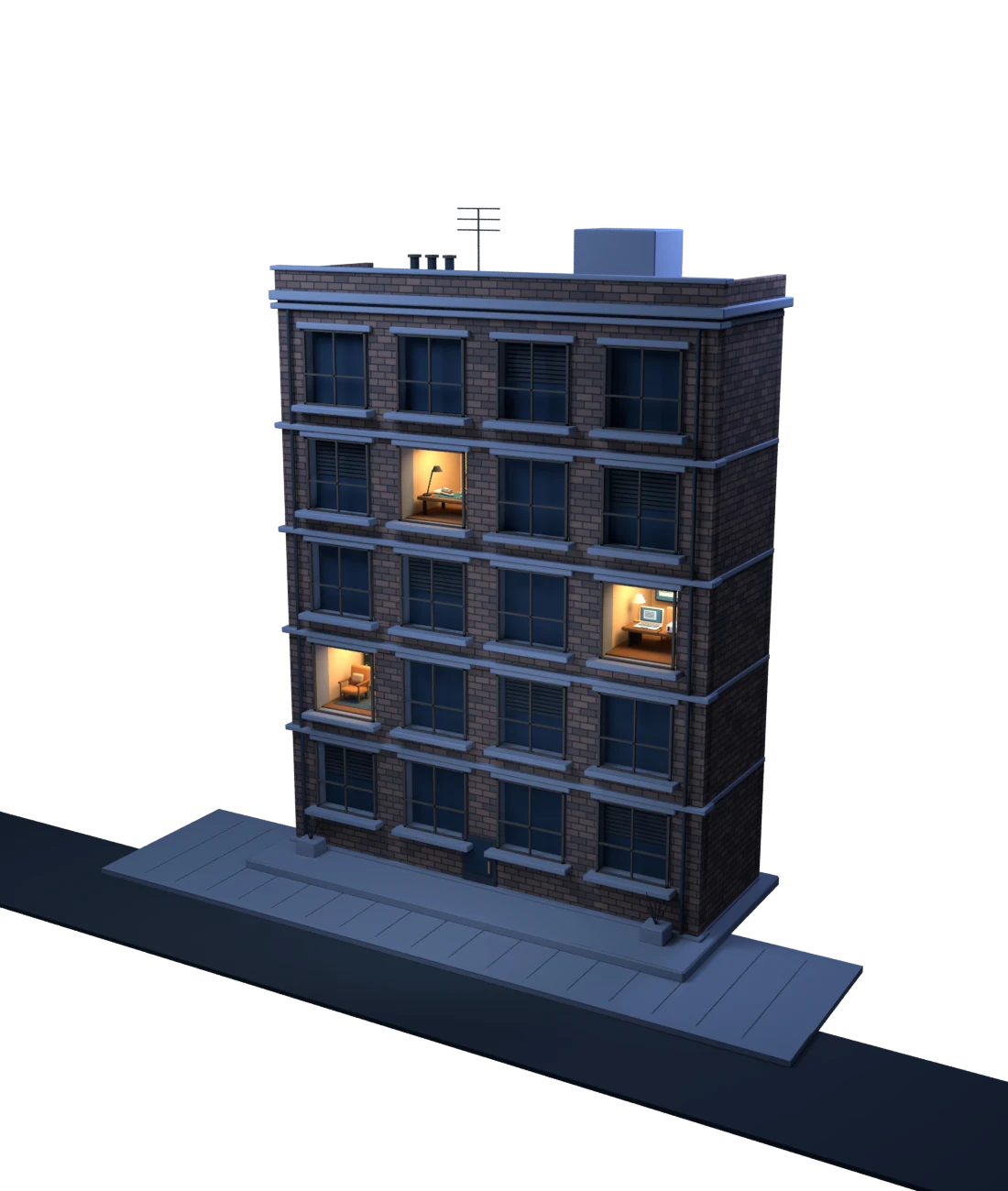
Three projects. Three rooms.
Choose a light to take a look inside.
A few things I’m building
Three projects. Three rooms.
Choose a light to take a look inside.
Quest 3 In development
A childhood favourite, reimagined in augmented reality.
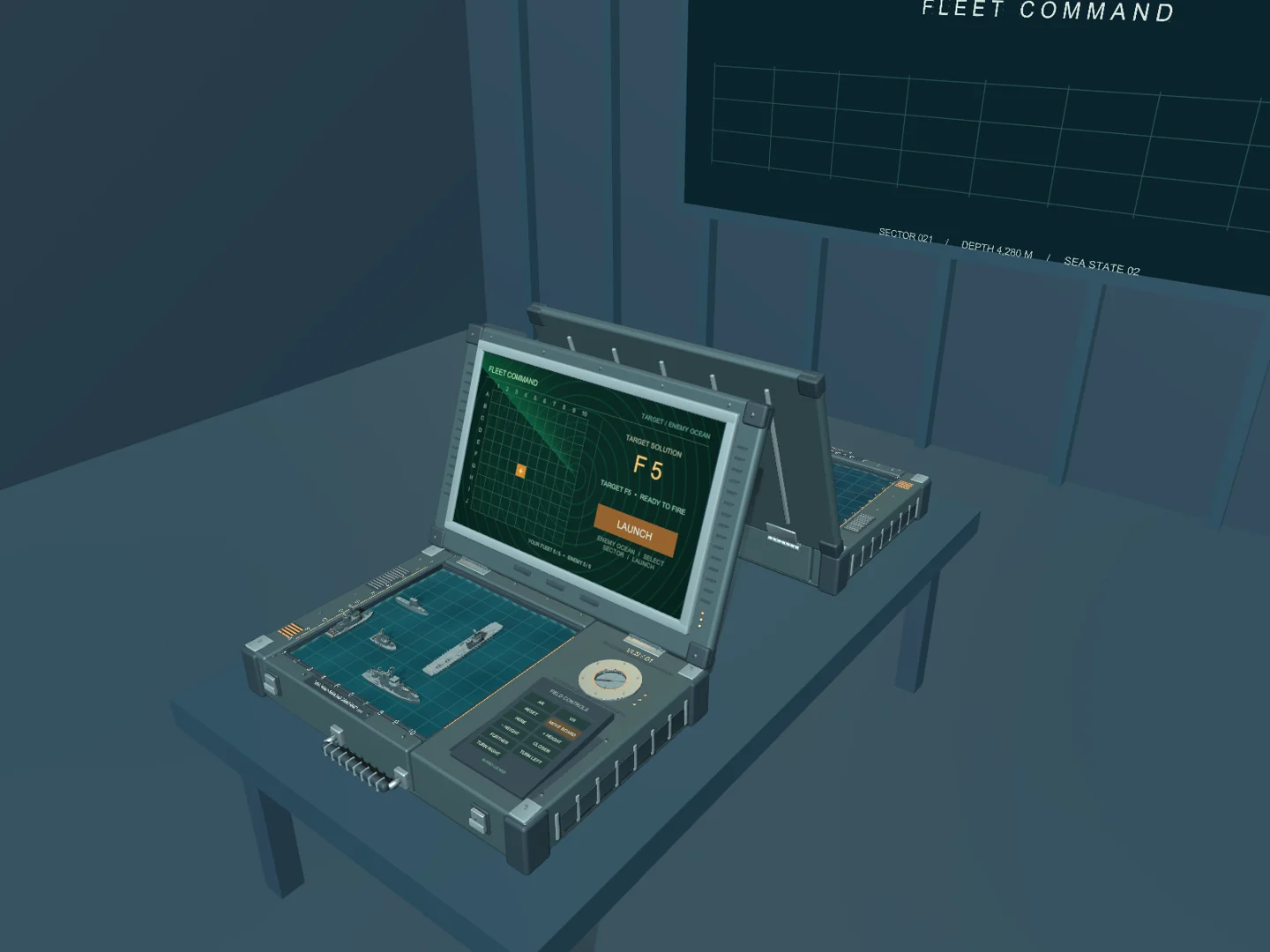
Battleship VR started as a weekend project: taking the Battleship board game I played as a kid and bringing it into augmented reality.
I casually shared it on Threads and Reddit. Almost overnight, people started showing up with encouragement and interest. A little weekend experiment suddenly had people following along.
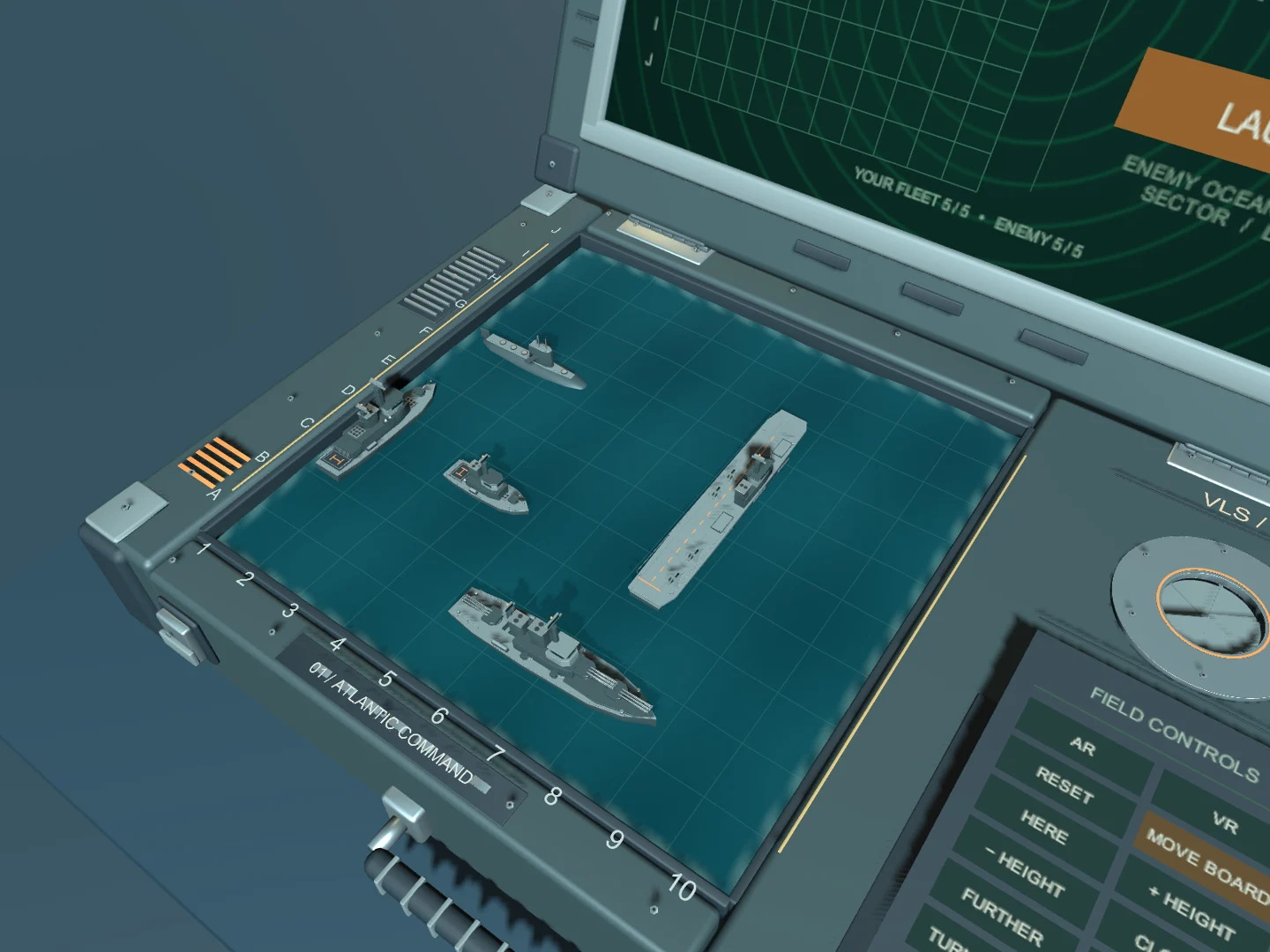
Arrange five ships on a miniature ocean, choose a target on the sonar screen, and watch a missile launch from its silo and arc across the table. Play against the computer, working out where its fleet is hidden while it searches for yours.
You can place each ship by hand or use automatic deployment to get straight into a match. Both hand tracking and controllers are supported.
The game starts in augmented reality, with the board in your own space. Reposition it to suit where you’re sitting, or switch into a virtual naval room without restarting the match.
Mac + Quest 3 In development
A giant virtual display for your Mac, connected over USB.
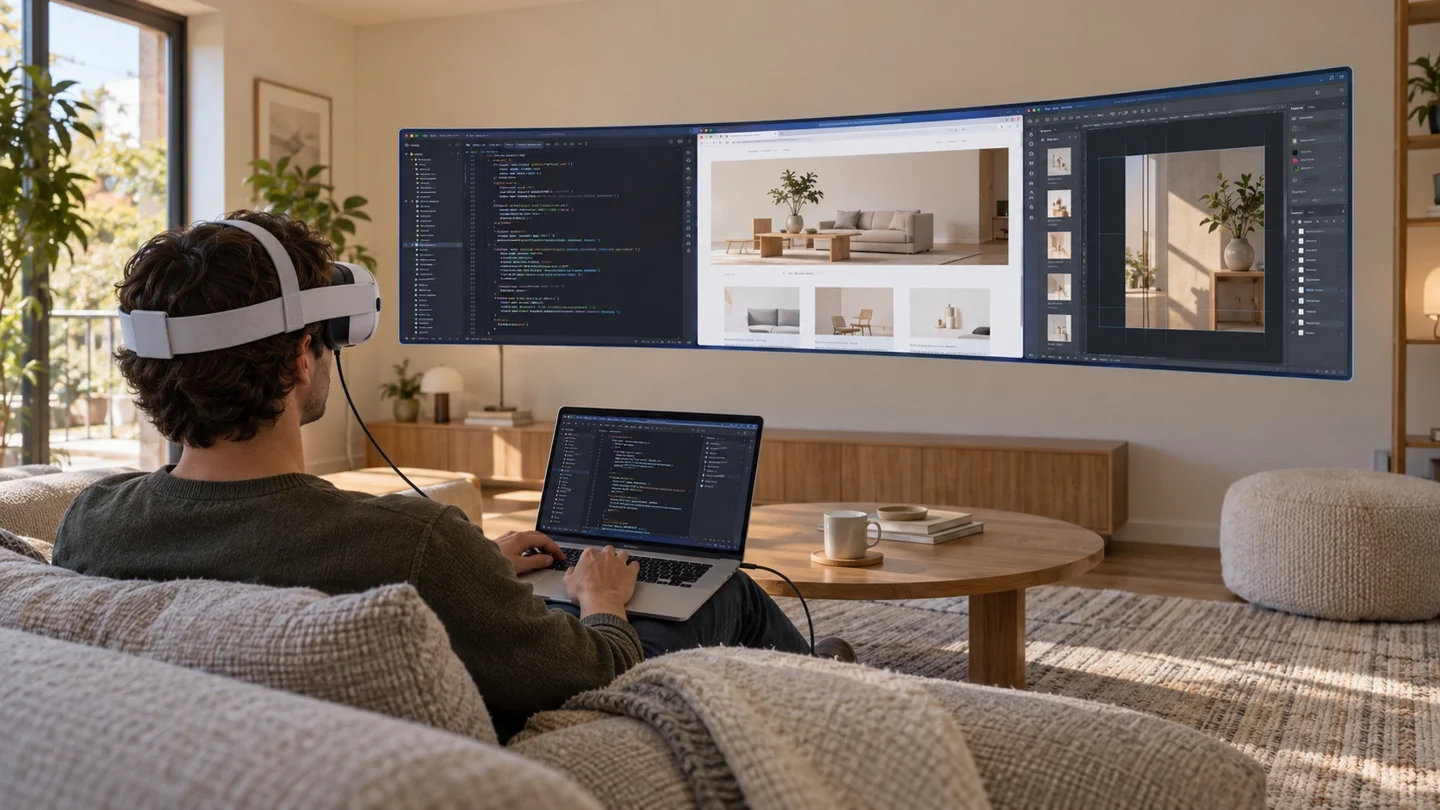
I wanted to use my Quest as a giant display for my Mac, with the option to simply plug in a cable. That became Mac Portal.
It brings my Mac’s desktop into Quest as a screen I can move and resize. The video travels over a direct USB connection, so the stream doesn’t depend on Wi-Fi.
Keep using your Mac apps, keyboard, and mouse, with sound playing through your Mac as usual. The display sits alongside other Quest apps, so you can have a browser or another window open beside it.
Choose a portrait, compact, wide, or ultrawide format to suit the work in front of you.
A companion app in the Mac menu bar handles sharing. Pair the two devices once, then choose whether to start sharing yourself or automatically when your Quest connects. The connection stays local and remembers the paired devices.
macOS In development
A floating visualizer that moves with your Mac’s audio.
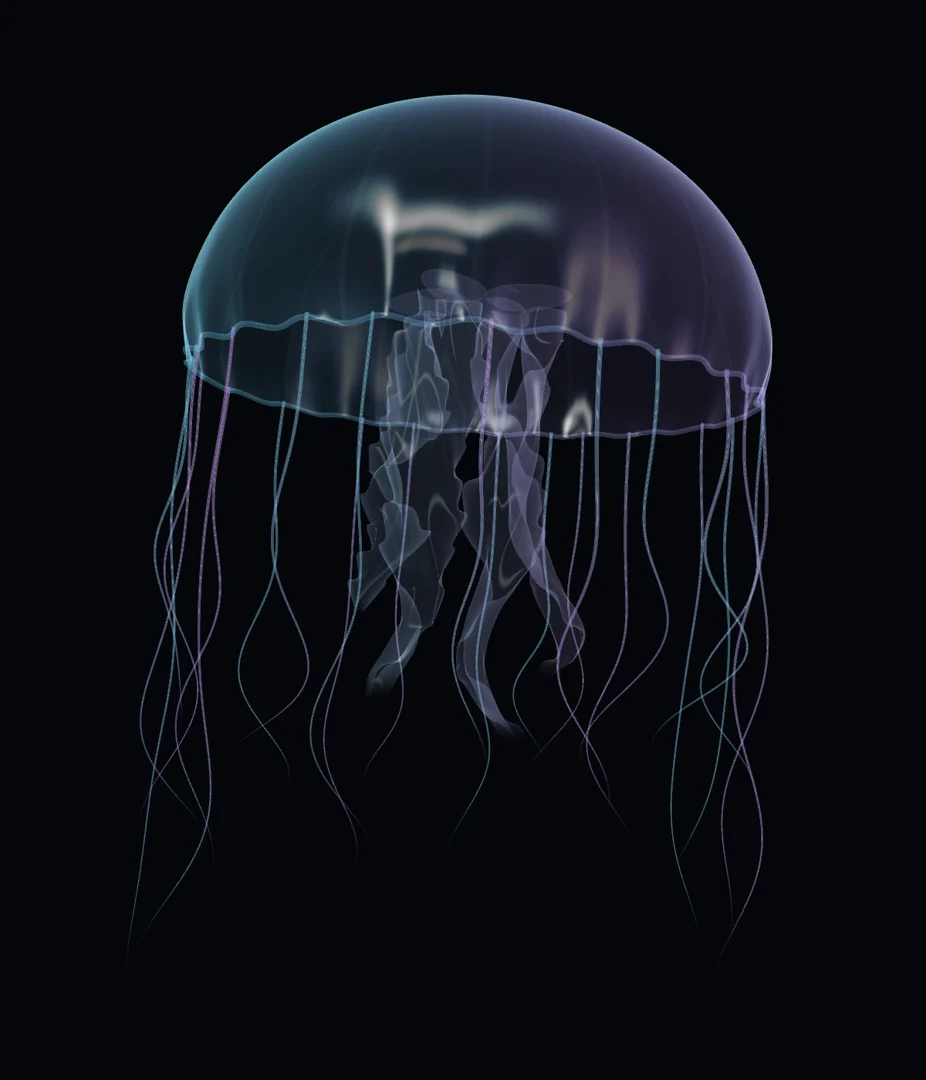
I missed the feeling of watching an iTunes visualizer while music played. For a long time, I accepted that the kind of visualizer I wanted wasn’t available. Eventually, I built it for myself.
Trance turns the sound playing on your Mac into moving visuals that float over your desktop. It listens to system audio, so the music can come from the apps you already use.
Choose from visuals including suspended gel, glass droplets, a flowing ribbon, and a glassy jellyfish. A transparent background lets the visual sit among your windows, and a keep-on-top option keeps it in view.
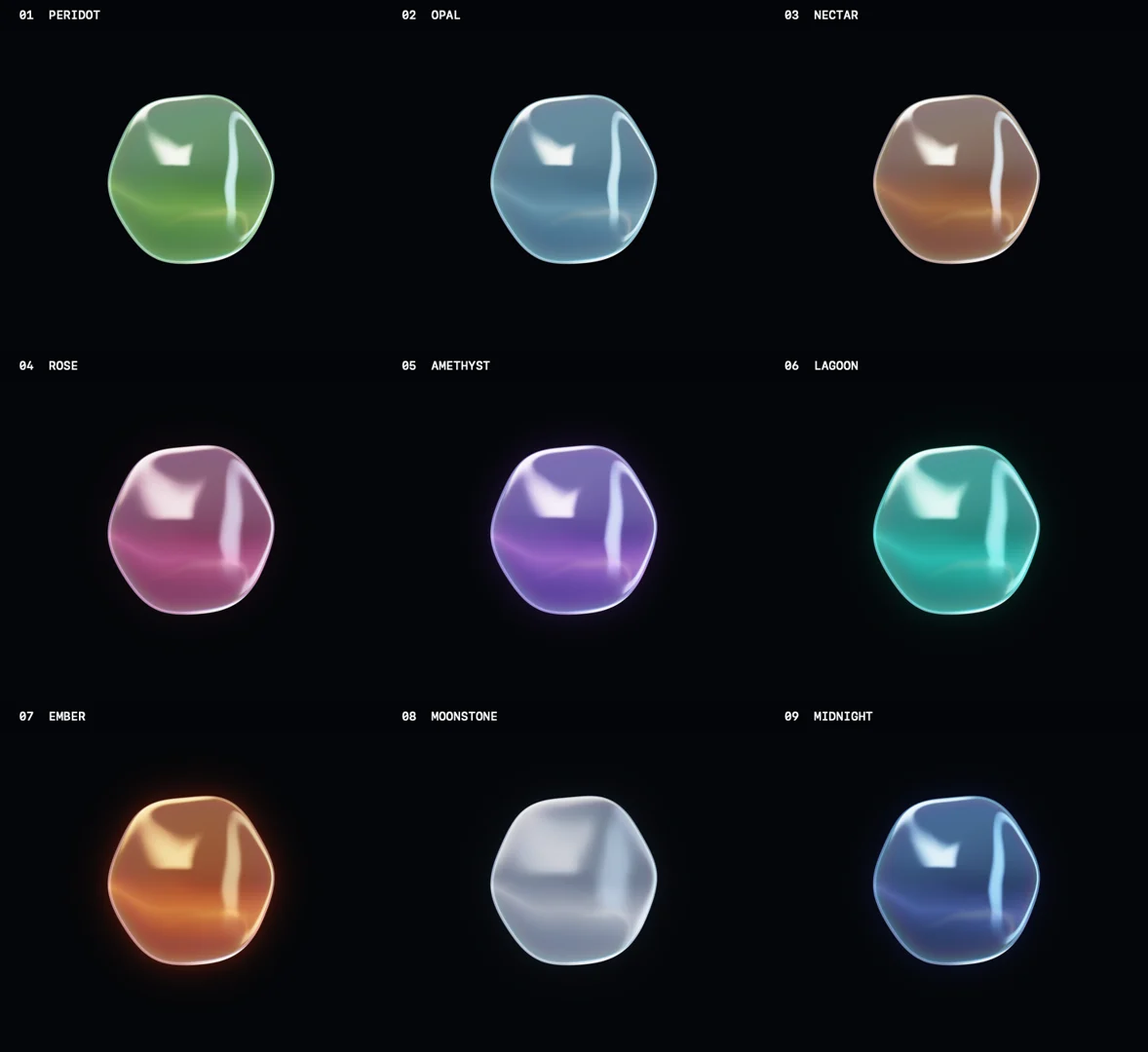
Adjust colours, lighting, opacity, and how strongly the visual responds to sound. Focus the response on bass, mids, highs, or a range you choose, then save a named preset to return to later.
Trance runs on macOS 14.2 or newer. Audio is processed on your Mac without being saved or uploaded.